

Reducing JavaScript execution time is key to a faster WordPress site. Begin by identifying large files, then remove, defer, or delay scripts you don’t need.

1. Identify Large JavaScript Files
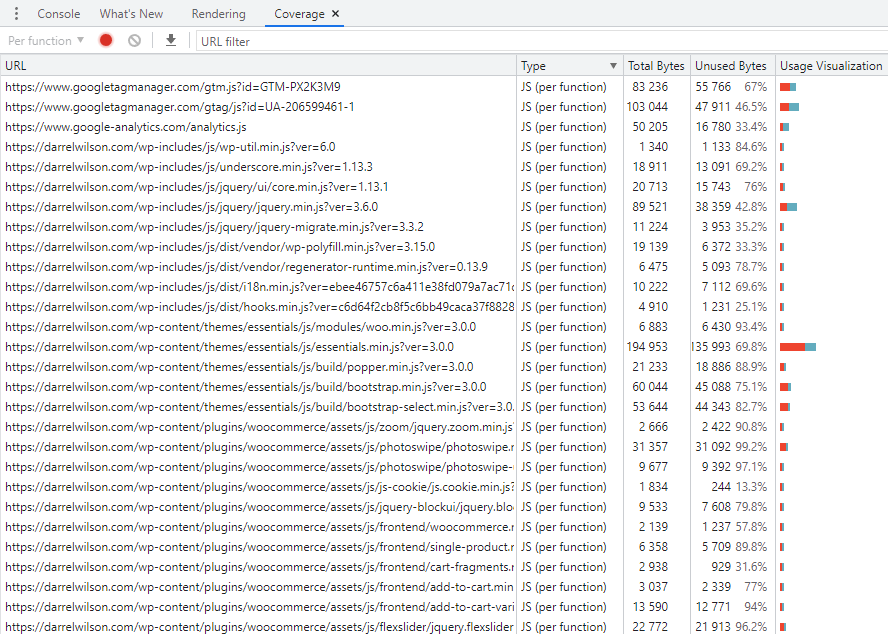
Open Chrome DevTools Coverage report to find your biggest JS files. Look at total bytes and usage to see what’s loading most of your code.
2. Avoid Bloated Themes and Plugins
Switch away from heavy page builders or multipurpose themes. Choose lightweight options like GeneratePress, Blocksy, or Kadence, and enable any built‐in performance settings.
3. Replace jQuery-Dependent Plugins
Use a script manager (e.g., Perfmatters) to detect plugins that rely on jQuery. Replace them with vanilla-JS or Gutenberg blocks to cut overhead.
4. Unload Scripts on Unused Pages
Unload JavaScript files on pages where they aren’t needed. Asset CleanUp or Perfmatters can disable sliders, forms, or social sharing scripts on non-relevant pages.
5. Optimize Third-Party Code
Third-party scripts (analytics, ads, widgets) often block the main thread. Host assets locally when possible, then delay or defer the rest.
6. Host External JavaScript Locally
Serve Google Analytics, fonts, and comment avatars from your own server. Plugins like Flying Analytics or local avatar tools can help.
7. Delay JavaScript Execution
Delay non-critical scripts until after page load. Plugins like Flying Scripts or WP Rocket let you specify keywords or paths to delay.
8. Lazy Load Videos and Iframes
Convert YouTube and map embeds to preview images that load the iframe only on click, preventing early third-party requests.
9. Use a Smaller Google Analytics Snippet
Load analytics.js or analytics-minimal.js instead of gtag.js, and disable Display Features to drop extra DoubleClick calls.
10. Disable Unused Utility Scripts
Turn off New Relic, Cloudflare Email Obfuscation, and Rocket Loader unless you actively use them to avoid extra JS payloads.
11. Minify JavaScript Files
Strip comments and whitespace from JS with your cache plugin, Cloudflare, or a CDN. Exclude files that break when minified.
12. Defer JavaScript
Load scripts with the defer attribute to eliminate render-blocking behavior. Autoptimize plus Async JavaScript often work well.
13. Compress with GZIP or Brotli
Enable GZIP or Brotli compression on your server or CDN to shrink JS file sizes before delivery.
14. Enable Elementor’s Improved Asset Loading
When you must use Elementor, turn on its Improved Asset Loading to load widget scripts only where they appear.
15. Activate Divi Performance Settings
Use Divi’s dynamic JavaScript libraries and other built-in optimizations, though a lightweight theme remains preferable.
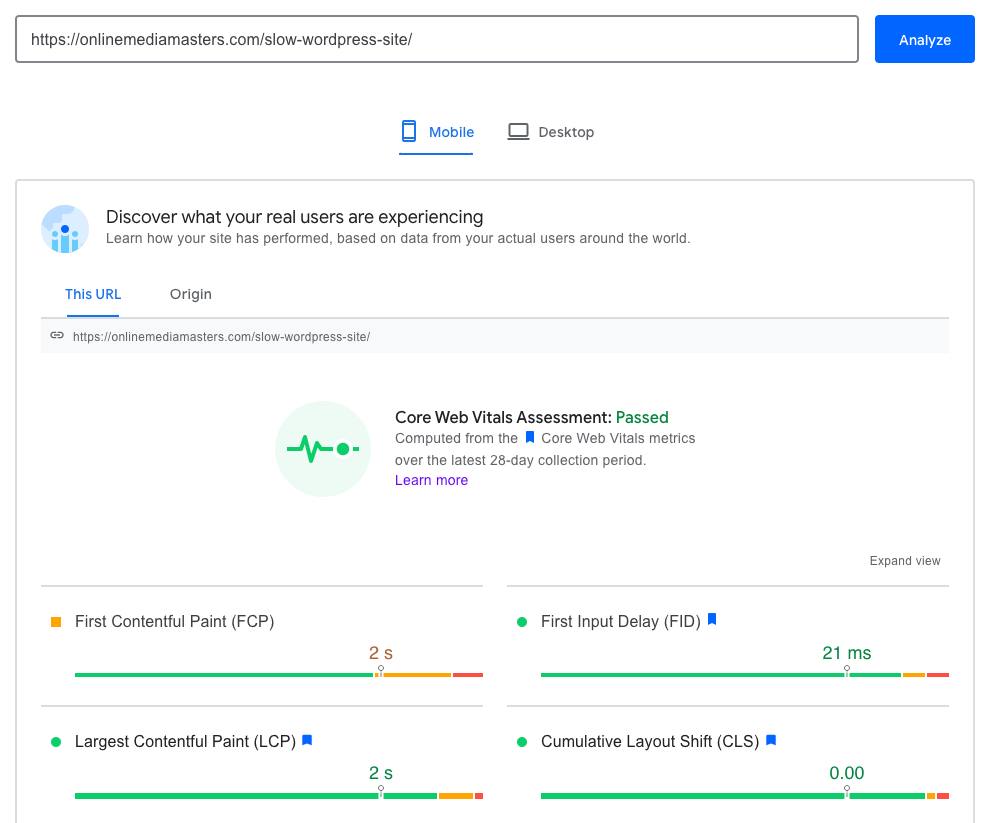
After applying these steps, retest with PageSpeed Insights, Lighthouse, or SpeedVitals to confirm lower JavaScript execution times.
 (Kéo nội dung từ module OpenAI/Google Sheets đầu tiên vào đây)