

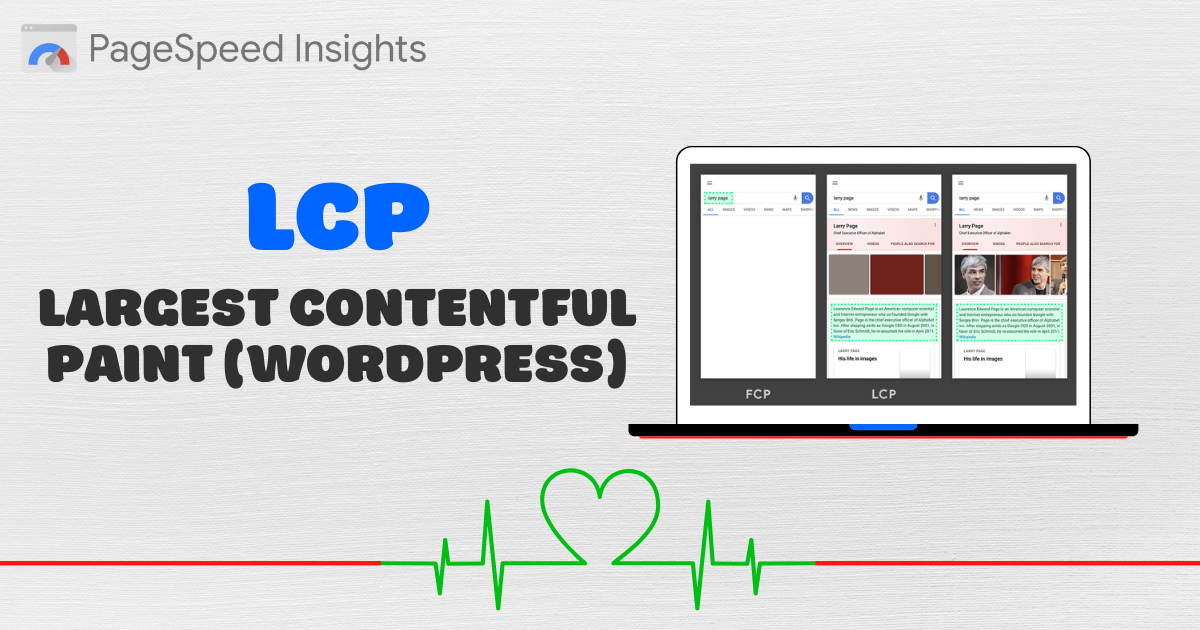
Largest Contentful Paint (LCP) measures how quickly the largest visible element on your page loads. Improving LCP is essential for user experience and SEO. Follow these 16 steps to get your WordPress LCP under 2.5 seconds.
1. Learn Which LCP Parts To Work On
Google breaks LCP into four sub-parts: TTFB, resource load delay, resource load time, and element render delay. Identifying which part dominates on your site guides your optimization efforts.

2. Exclude Above The Fold Images From Lazy Load
Above-the-fold images should load immediately. Exclude them from lazy loading to eliminate unnecessary resource load delays.
3. Prioritize Above The Fold Images
Use preload or the fetchpriority="high" hint for your LCP image so it downloads sooner.

4. Reduce CSS/JavaScript
Minify and remove unused CSS/JS files. Auditing with Chrome DevTools Coverage helps pinpoint heavy resources.

5. Reduce TTFB
Choose fast hosting and a CDN with full-page caching to lower server response time, which accounts for roughly 40 % of LCP.
6. Eliminate Render-Blocking CSS/JS
Implement critical CSS and defer non-critical scripts. Most cache plugins offer settings to generate critical CSS and delay JavaScript.
7. Use Font-Display: Optional
Apply font-display: optional to your @font-face rules to prevent invisible text flashes and speed up content rendering.
8. Reduce Font Requests And File Sizes
Serve only necessary font formats (WOFF/WOFF2), host them locally, consolidate weights, and preload key font files.
9. Lazy Render HTML Elements
Delay rendering of below-the-fold elements like comments and footer so the browser prioritizes first-screen content.
10. Preload, Preconnect, Prefetch
Use resource hints for critical fonts, scripts, and external domains. Test each hint in your waterfall chart to avoid over-hinting.
11. Optimize Images
Compress images to ~85 % quality, specify dimensions, convert to WebP, and serve smaller sizes on mobile via an image CDN.
12. Use Brotli When Possible
Brotli compression often outperforms GZIP. Enable it on hosts like Rocket.net or Kinsta to shrink file sizes further.
13. Increase Cache Expiration Time
Set browser and CDN cache TTLs to one year for static sites (or one month for dynamic sites) to improve repeat-visit LCP.
14. Choose The Right Cache Plugin And Settings
Pick a plugin like FlyingPress or LiteSpeed Cache that offers advanced LCP optimizations such as fetchpriority hints and image preloading.
15. Enable Signed Exchanges (SXGs) In Cloudflare
Activated SXGs speed up LCP when users arrive via Google search prefetching. Enable under Cloudflare Speed ↑ Optimization.
16. Use Cloudflare Workers For Serverless Rendering
Offload rendering to serverless functions to deliver smaller HTML payloads and dramatically reduce LCP.
By systematically applying these steps, you’ll see measurable LCP improvements and deliver a faster, more engaging WordPress experience.