

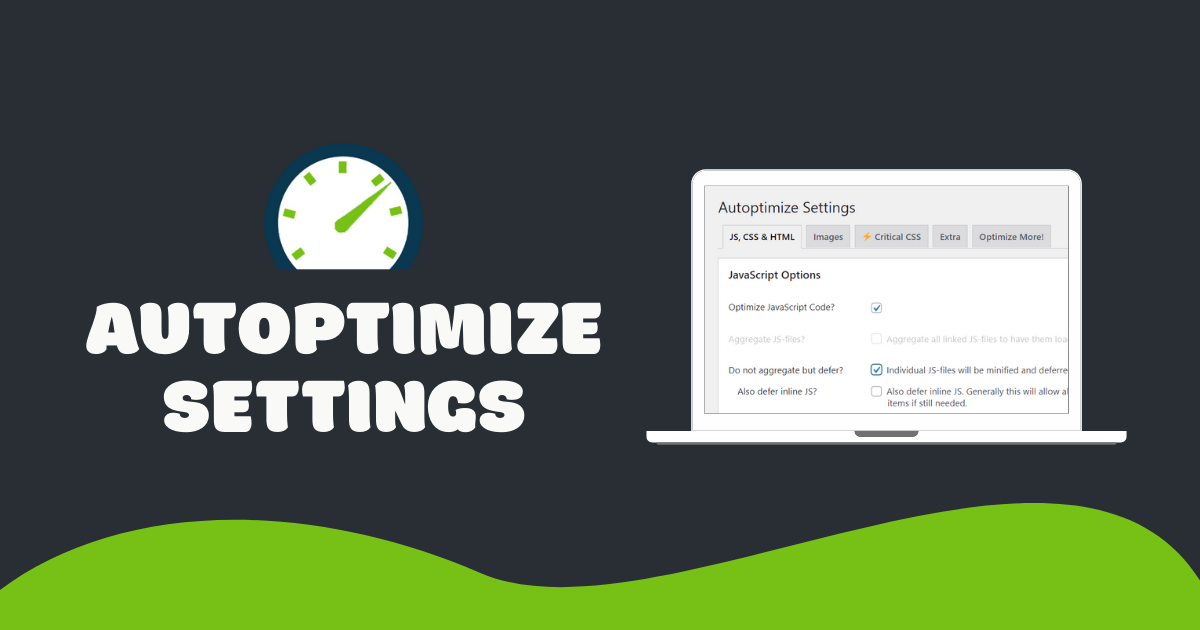
Autoptimize is a powerful WordPress plugin to optimize CSS, JavaScript, and HTML—improving core web vitals by minifying, combining, deferring, and inlining code. It also offers CDN support, font optimization, Gutenberg CSS removal, and critical CSS injection.
1. JS, CSS & HTML
JavaScript: Enable minification by turning on “Optimize JavaScript code”. Test “Aggregate JS-files” only on small sites (under 10 KB total). Use “Also defer inline JS” to improve loading and exclude any broken scripts.
- Optimize JavaScript code: ON
- Aggregate JS-files: ON (for small sites) or OFF
- Do not aggregate but defer: OFF
- Also defer inline JS: ON
- Exclude scripts: list any problematic files
- Remove unused JS: use Chrome DevTools coverage

2. CSS
Minify and inline above-the-fold styles to eliminate render-blocking CSS. Test “Aggregate CSS-files” on small sites. Use “Eliminate render-blocking CSS” and paste your critical CSS.
- Optimize CSS code: ON
- Aggregate CSS-files: ON or OFF
- Also aggregate inline CSS: OFF
- Eliminate render-blocking CSS: ON
- Inline all CSS: OFF
- Exclude CSS: as needed
- Remove unused CSS: consider FlyingPress or Perfmatters

3. HTML
Minify your HTML to shrink page size. Disable comment removal only if it causes syntax errors.
- Optimize HTML code: ON
- Keep HTML comments: OFF
4. CDN & Misc
Serve optimized files from your CDN by adding its pull-zone URL. Enable static saving and fallbacks for reliability.
- CDN Base URL: add your CDN endpoint
- Save aggregated files as static: ON
- Minify excluded files: ON
- Enable 404 fallbacks: ON
- Optimize for logged-in users: OFF
- Enable per-post config: ON


5. Critical CSS & Extra
Paste critical CSS into Autoptimize to inline above-the-fold styles. Use a free generator or paid service for dynamic pages.

In the “Extra” tab, combine and defer Google Fonts, remove emojis and query strings, disable Gutenberg block CSS, and add preconnect and preload hints for key resources.


Conclusion
Autoptimize is essential for CSS, JS, and HTML optimization. Combine minification, critical CSS, CDN support, and misc tweaks to boost WordPress performance. Consider advanced tools like FlyingPress or Perfmatters for unused CSS removal and lazy loading.