

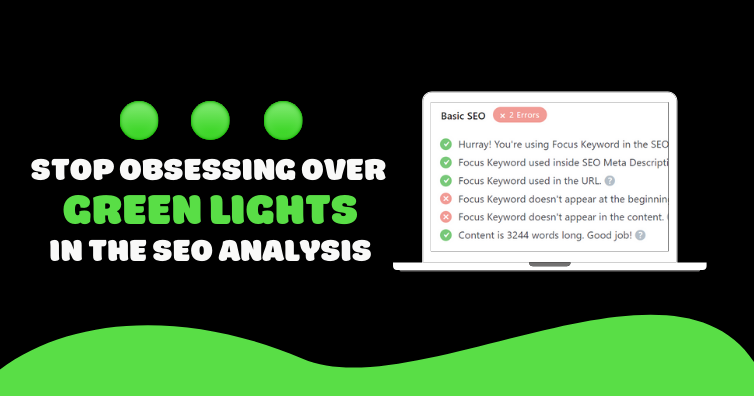
Stop Chasing Green Lights

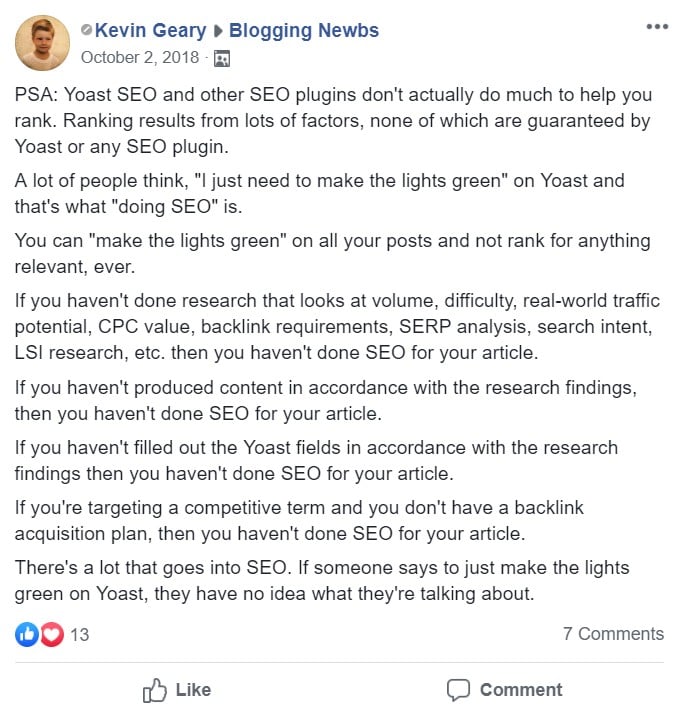
Yoast SEO’s green bullets can give the illusion of perfect optimization, but they don’t guarantee higher rankings or better engagement. Instead of forcing exact keyword matches to get green indicators, focus on creating titles and meta descriptions that people want to click.
1. Rethinking the SEO Plugin Analysis
Don’t inject your focus keyword so often that your content and snippets read like spam. Use it naturally in your page title, SEO title, and opening sentences, then move on to crafting compelling copy. A strong click-through rate matters just as much as exact matches in Yoast’s analysis.
2. Real-World Example of an Optimized Post
In this guide on ideal Yoast settings, I rank #1 for multiple keywords—even though some analysis bullets stay red. Selecting a focus keyword that matches user intent and crafting thorough, helpful content is the real key to top placement.

3. Headlines: Pages vs. Posts
Page titles tend to be concise, while post titles can be longer and more descriptive. For a service page, a simple title like “WordPress SEO Consulting” works. For a tutorial post, you may use a detailed headline to draw in readers.


4. Why Keyword Density Is Overrated
Google emphasizes content quality over repeating keywords. Mention your focus phrase a few times—especially early in the text—but don’t obsess over a specific density. Your Yoast density score may stay low, but helpful, in-depth content will outperform keyword-stuffed text.

5. When to Simplify URLs
Short URLs that include your main keyword can help, but removing every stop word can make links confusing. Keep common words if they improve readability, and always aim for a clean, memorable address.


6. Alt Text Should Describe Images
Use straightforward alt text that describes the image. If an image naturally matches your keyword, include it—but don’t hunt for every chance to force a keyword match in Yoast.

7. SEO Analysis and Page Builders
Yoast only scans content in the classic Visual/HTML editor. If you use a page builder or widgetized homepage, manually apply on-page best practices since green lights won’t appear for content outside the editor.
8. When to Use Exact Matches
Reserve exact keyword matches for titles that still sound natural. If you can write a headline that includes the full focus phrase without hurting click appeal, go for it. Otherwise, partial matches and synonyms work just fine.
- YouTube Video SEO (Definitive Guide)
- How To Add Rich Snippets To WordPress
- WP Rocket Settings (2018)
- WordPress Local SEO (Google Maps)
- WordPress Speed Optimization Services
9. Rewrite Snippets with Yoast’s Bulk Editor
To improve SEO titles and meta descriptions site-wide, use Yoast’s bulk editor (SEO > Tools > Bulk Editor). It bypasses focus keyword prompts, letting you craft engaging snippets without opening each post.

10. Avoid Duplicate Focus Keywords
Targeting the same keyword on multiple pages dilutes your authority. Focus on one strong, comprehensive resource for each term rather than scattering thin content across several posts.

11. Choosing the Right Focus Keywords
Broad, competitive keywords are hard to rank for if your domain authority is lower. Use long-tail phrases from Google Autocomplete and tools like MozBar to find opportunities where you can compete effectively.


Conclusion
- Green lights don’t measure headline quality or click-through potential
- Yoast only checks exact matches, not synonyms or plurals
- Keyword density and stop-word prompts can lead to awkward content
- Page builders aren’t scanned by Yoast’s analysis
Yoast SEO remains a powerful tool, but its analysis should guide rather than dictate your content. Prioritize reader engagement and strategic keyword use over perfect green bullets.