


What Is All In One Schema Rich Snippets?
All In One Schema Rich Snippets is a free WordPress plugin that adds structured data markup to your pages and posts so Google can display rich results like reviews, recipes, events, software apps, and videos. It’s easy to set up but offers a very basic, minimal design on the front end.

How It Looks After Markup
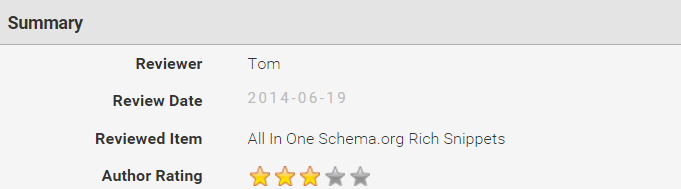
Once you fill in your data, here’s how the snippet appears on the page before Google picks it up:
Pros & Cons
Pros
- Completely free
- Easy setup
- Supports most snippet types
Cons
- Very limited styling
- Basic layout only
- No local business markup
Supported Data Types
- Products
- Recipes
- Reviews
- Events
- Software Apps
- Videos
- Local Business (not supported)
1. Install the Plugin
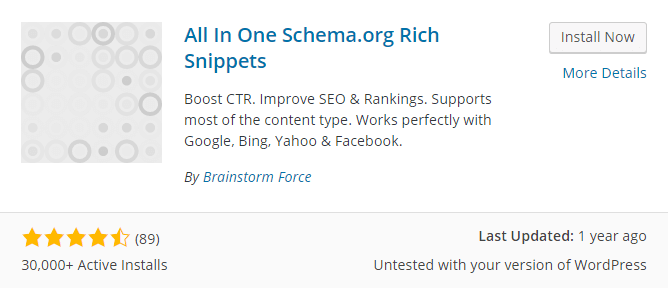
Search for “All In One Schema Rich Snippets” in your WordPress dashboard, install, and activate it.
2. Configure the Settings
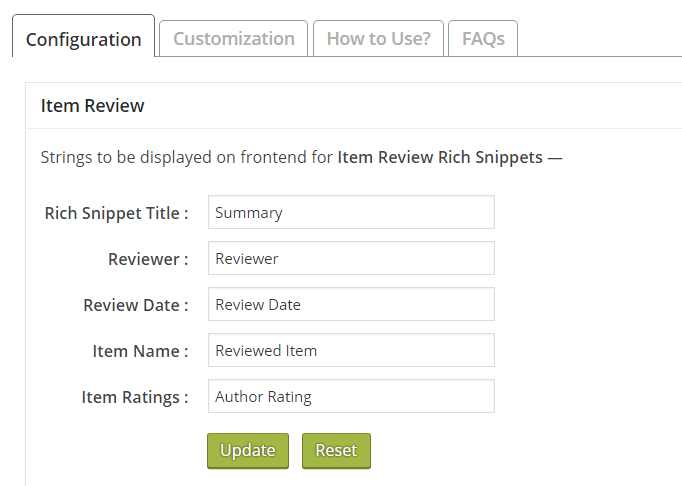
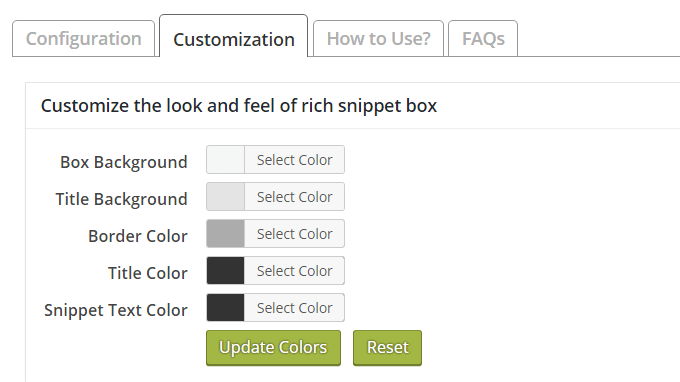
Under the “Rich Snippets” menu, review the Configuration and Customization tabs. Adjust colors and display options as needed.
3. Add Markup to a Page
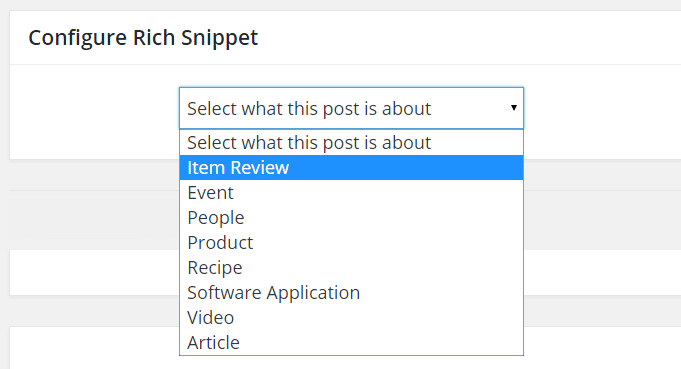
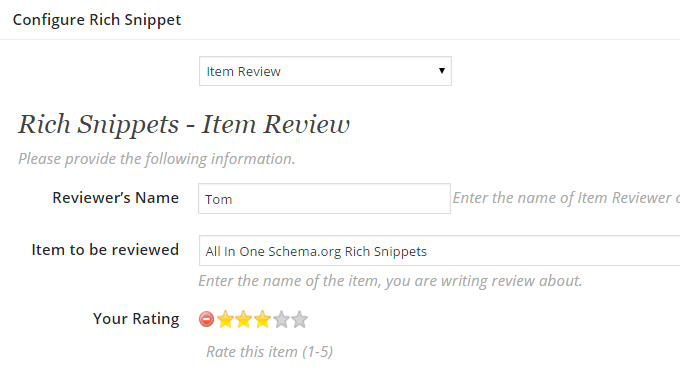
Edit any post or page, scroll to “Configure Rich Snippet,” choose your snippet type, and fill out all fields. Required fields vary by snippet type.
4. Test Your Rich Snippets
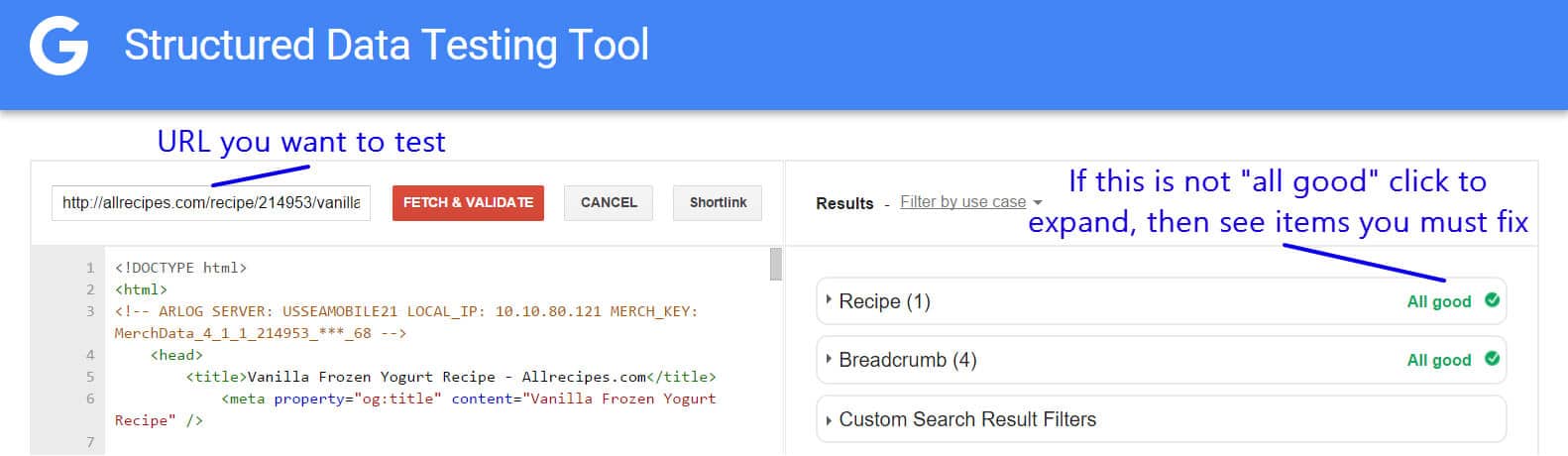
Use Google’s Structured Data Testing Tool to validate your markup and fix any errors before waiting a few days for rich results to appear in search.
End Result & Troubleshooting
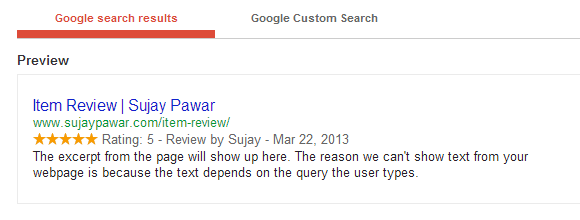
Here’s how a review snippet looks in Google search results after indexing:
Common fixes:
- Fill in missing fields shown in the testing tool
- Ensure on-page content matches your markup
- Apply snippets on multiple pages
- Keep WordPress, theme, and plugins updated
- Visit the plugin support forum for help
- Follow Google’s structured data policies
Conclusion
If you need a straightforward, free solution and don’t mind minimal design, All In One Schema Rich Snippets is a great pick. For more customization and features like local business markup, consider premium options.
Thanks for reading!
