

Introduction
Cache plugins can tidy up some database tables but often leave behind old plugin tables and fail to identify modules that generate bloat. A dedicated cleanup tool like WP-Optimize helps remove unused tables, delete junk data, and disable features that slow down your site.
Table of Contents
- Backup Your WordPress Database
- Install WP-Optimize
- Remove Junk From Your Database
- Delete Old Plugin Tables
- Disable Bloat-Adding Features
- Schedule Regular Cleanups
- Use Other Cleanup Plugins
1. Backup Your WordPress Database
Before making any changes, backup your database using UpdraftPlus. Connect a remote storage service (e.g., Dropbox) and perform a one-click backup to secure your data.

2. Install WP-Optimize
Install and activate the WP-Optimize plugin. Then navigate to WP-Optimize → Database to access optimization tools.
3. Remove Junk From Your Database
Under the Database tab, use the Optimizations section to delete trash, spam comments, expired transients, post revisions (keeping a few), pingbacks, and orphaned metadata.

4. Delete Old Plugin Tables
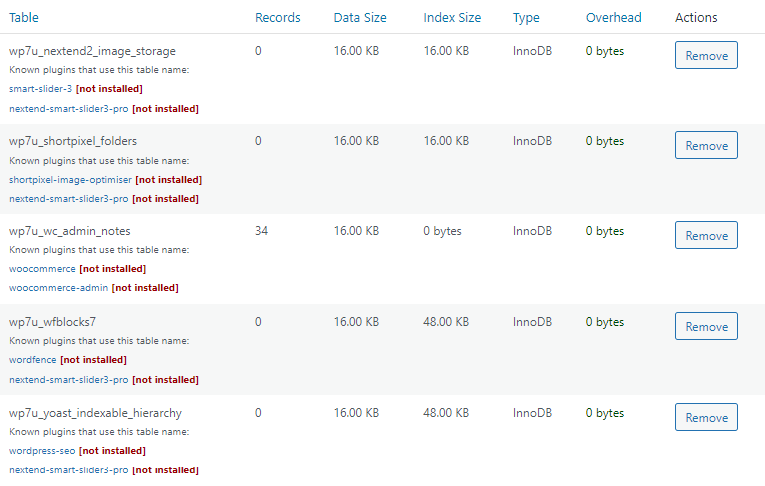
Switch to the Tables tab. Look for tables marked “not installed” or “inactive” and click Remove to delete leftovers from plugins you no longer use.
5. Disable Bloat-Adding Features
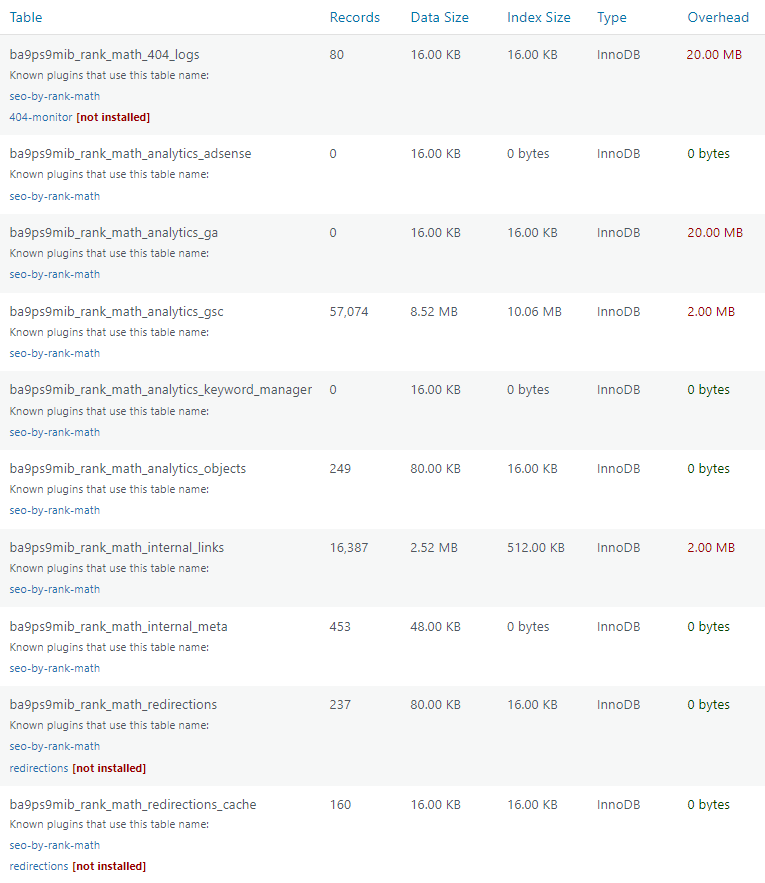
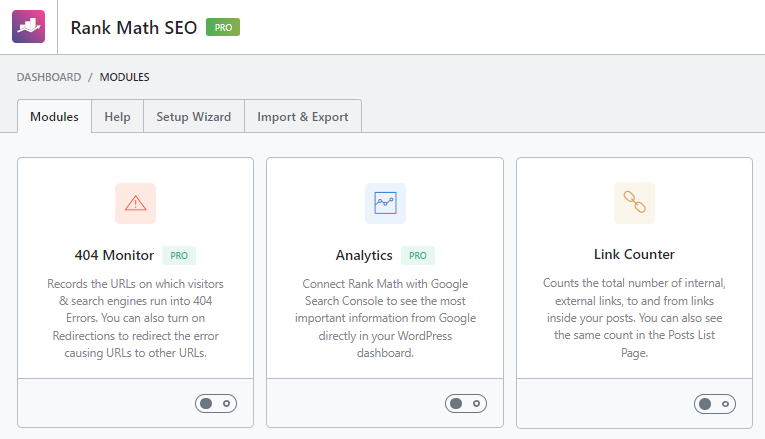
Filter tables by overhead to identify plugins that accumulate large data sets (e.g., analytics, security logs). Disable or remove modules you don’t need to reduce database size.
6. Schedule Regular Cleanups
Use WP-Optimize’s scheduling feature to automate weekly or monthly cleanups, keep a set number of post revisions, and create backups before each run.

7. Use Other Cleanup Plugins
Alternative tools include:
- Plugins Garbage Collector – delete any unused database table.
- Advanced Database Cleaner – cron support and table identification in premium.
- FlyingPress – basic cleanup without post-revision control.
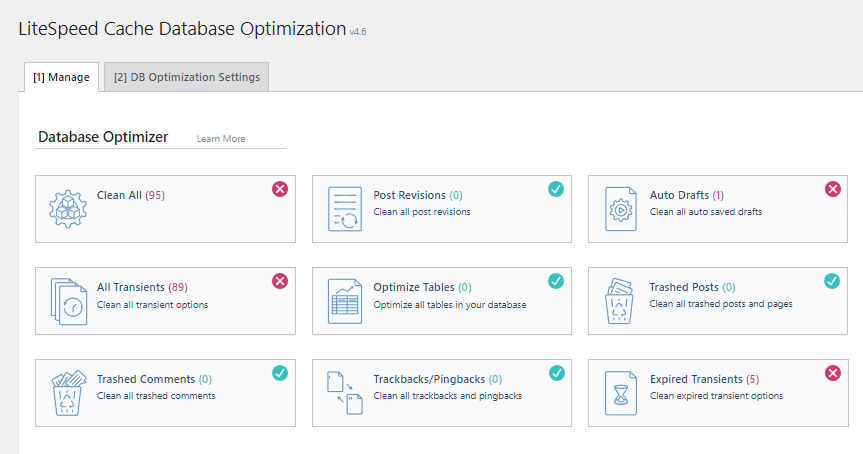
- LiteSpeed Cache – DB optimization with revision retention.
- WP Rocket – standard cleanup, no revision controls.
- SiteGround Optimizer – on/off DB cleanup only.




Frequently Asked Questions
- How do I clean my WordPress database? Install WP-Optimize to remove junk and old tables, schedule cleanups, and take backups.
- Which plugin is best for database cleaning? WP-Optimize offers removal of unused tables, retention of revisions, and backup capabilities.
- How often should I clean my database? Weekly is sufficient for most sites; increase frequency for high-activity or frequently changing sites.
- Does WP Rocket clean your database? It performs basic cleanup but lacks table removal, revision control, and backup features.
Implementing these steps will keep your WordPress database lean, speed up your site, and reduce server load. If you have questions, leave a comment below!