

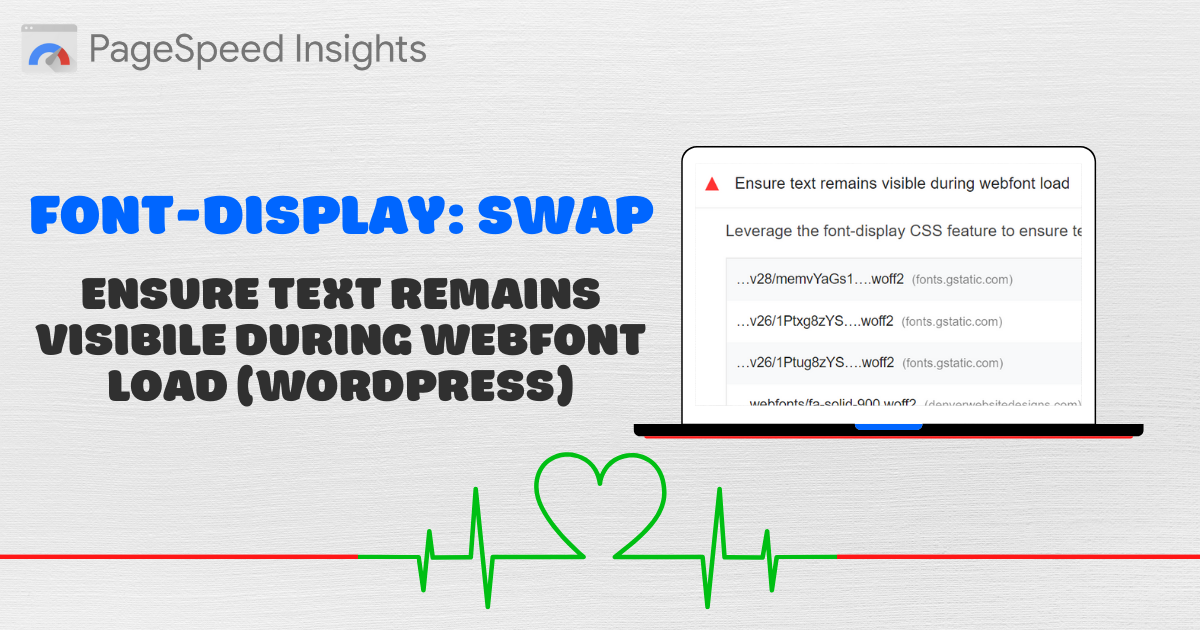
If you’ve run your site through PageSpeed Insights, you may see a recommendation to ensure text remains visible during webfont load. The fix involves setting font-display to swap or optional via a plugin, cache tool, or by editing your font CSS. Preloading key fonts can further eliminate layout shifts.
FOIT vs. FOUT
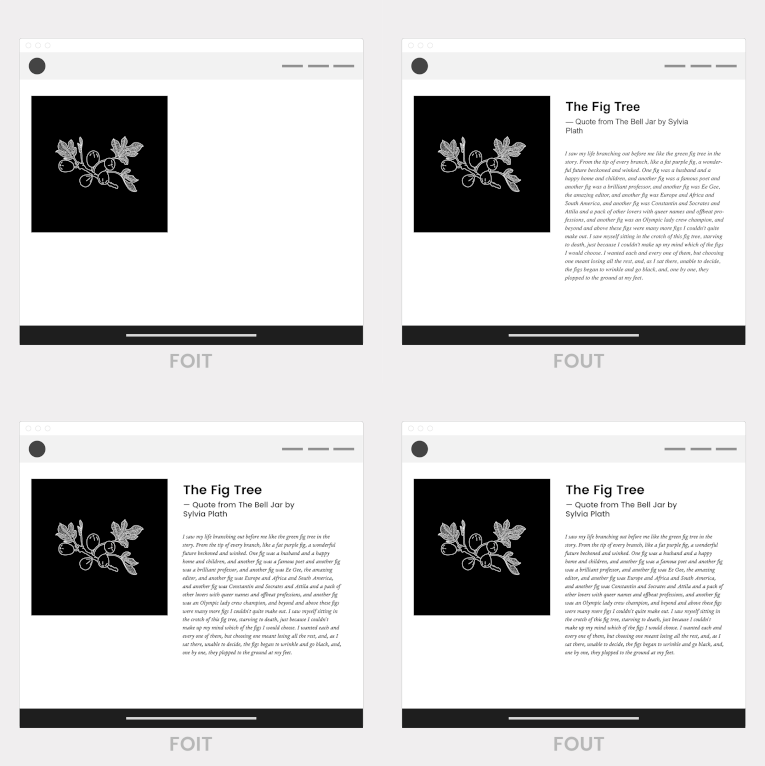
When custom fonts load, browsers either hide text or show a fallback font. Understanding these behaviors helps you choose the right strategy:
- FOIT (Flash of Invisible Text): No fallback font is shown, so text remains invisible until the custom font loads (penalized by PageSpeed Insights).
- FOUT (Flash of Unstyled Text): A fallback font is displayed first; when the custom font loads, a layout shift occurs if font sizes differ.
Use Font-Display: Swap or Optional
Edit your @font-face rules to include font-display: swap; or font-display: optional;. Many performance plugins also offer settings to apply this automatically:
- WP Rocket: adds swap on installation.
- Perfmatters: choose display swap under Fonts.
- FlyingPress: enable display fallback fonts.
- Or use dedicated plugins like Swap Google Fonts Display or OMGF.
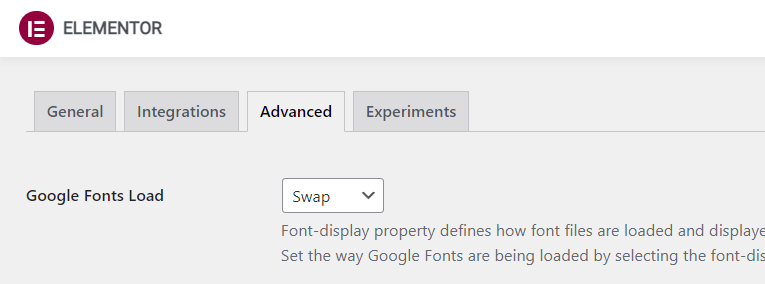
If editing CSS manually, append &display=swap to Google font URLs, or add:
@font-face {
  font-family: "Your Font";
  src: url("your-font.woff2") format("woff2");
  font-display: swap;
}
Preload Above-the-Fold Fonts
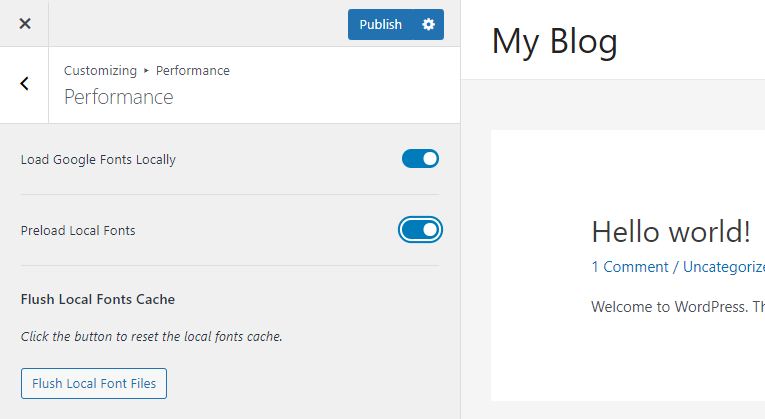
Preloading critical fonts can prevent FOIT and completely remove layout shifts. Steps:
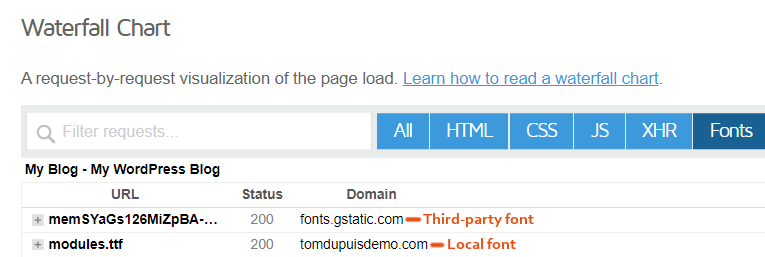
- Host fonts locally to avoid third-party delays.
- Identify high-priority font files from your PSI report.
- Add preload hints in your
<head>withas="font" crossorigin.
Example preload tag:
<link rel="preload" href="/fonts/your-font.woff2" as="font" crossorigin>After applying these changes, re-run PageSpeed Insights to confirm the issue is resolved.
Cheers,
Tom