

6 Steps to an SEO-Friendly Permalink Structure
- What Makes an SEO-Friendly Permalink Structure?
- Permalink Structure For Pages (Parent Pages)
- Permalink Structure For Posts (Categories)
- Changing Permalinks and 301 Redirects
- Yoast Permalink Settings
- WWW vs Non-www
1. What Makes an SEO-Friendly Permalink Structure?
In addition to good site architecture and intuitive navigation, a clear permalink structure helps separate content into targeted topics, boosting SEO for each page.
For example, if you have multiple locations, creating individual pages like “Chicago Web Designer” or “San Diego Web Designer” allows you to focus on specific keywords for each.
2. Permalink Structure For Pages (Parent Pages)
Using parent pages in WordPress creates a logical hierarchy. For instance, a “Web Design” page under the “Services” parent yields a URL like example.com/services/web-design.
Common Uses

Plan your site hierarchy with tools like WriteMaps, and follow Google’s guidance on clean permalink design.
How to Create Parent Pages
Edit any page in your WordPress dashboard and select a parent in the Page Attributes section.

3. Permalink Structure For Posts (Categories)
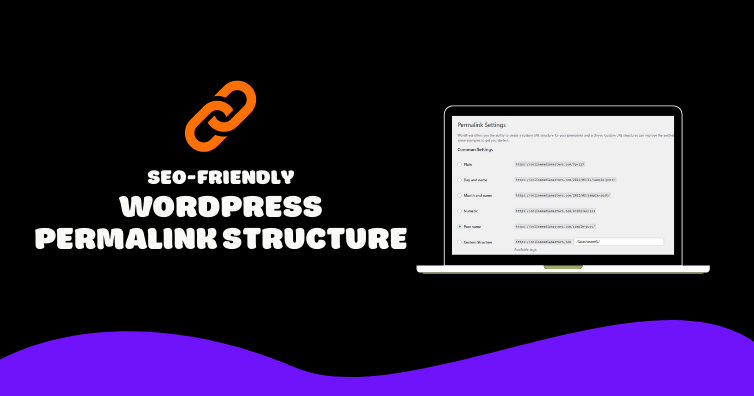
By default, WordPress uses the non-descriptive format ?p=123. Switch to a custom structure for clarity.

Many experts recommend the simple /%postname%/ structure for clean URLs:

You can also use /%category%/%postname%/ or add a fixed segment like “articles” to keep URLs concise:

Avoid dates and numbers to prevent content from looking outdated.
How to Set Your Blog’s Permalink Structure
In your dashboard, navigate to Settings → Permalinks and choose your preferred structure.
4. Changing Permalinks and 301 Redirects
Only change permalinks when necessary. If you update a URL, implement a 301 redirect so users and search engines are sent to the new link.

Use a plugin like Quick Page/Post Redirects, then enter the old URL as “Request” and the new URL as “Destination.”
5. Yoast Permalink Settings
With the Yoast SEO plugin, head to SEO → Permalinks to remove stop words and clean up tracking fragments in your URLs.

Learn more in our Yoast SEO tutorial under the Permalink section.
6. WWW vs Non-www
Decide between www.example.com or example.com. This choice doesn’t impact SEO but must be consistent:
- WordPress: Settings → General
- Google Search Console: Site Settings → Preferred Domain
Finally, set up a redirect from the non-preferred version to your chosen format.
Cheers,
