

Why Choose FlyingPress & FlyingCDN
FlyingPress offers advanced optimizations beyond other cache plugins like WP Rocket, and FlyingCDN’s Cloudflare Enterprise delivers under 50ms global latency, letting you use any host with superior TTFB.
Setup Checklist
- Configure FlyingPress settings
- Use Perfmatters for script management
- Integrate FlyingCDN
- Monitor updates in the FlyingPress and WP Speed Facebook groups
1. Dashboard
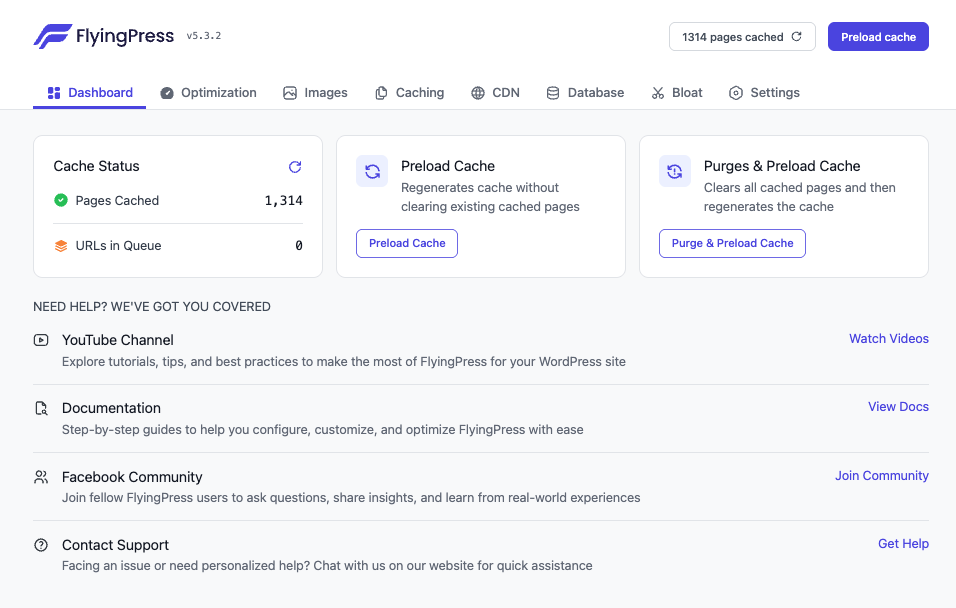
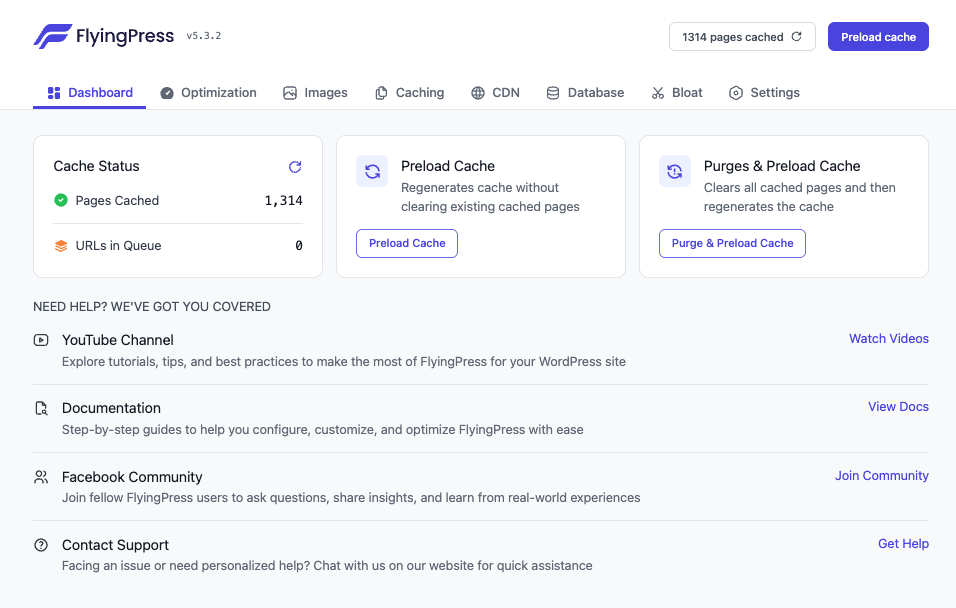
- Preload cache: Regenerates cache without clearing existing pages.
- Purge pages and preload: Clears all pages and rebuilds cache.
2. Optimization
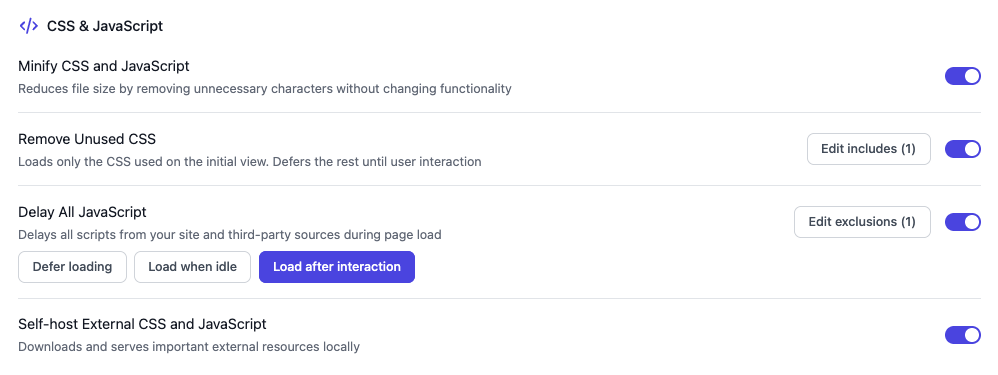
Minify CSS & JavaScript: On by default for improved load times.
Remove unused CSS: Enable with common exclusions to prevent breakages.
3. Images
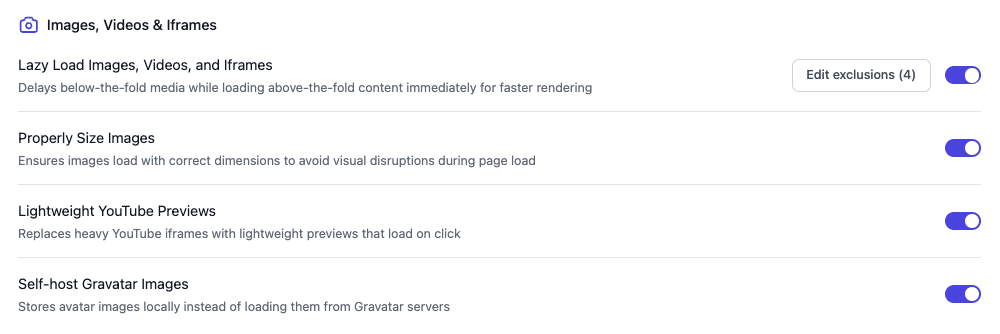
- Lazy load media: Offloads images, videos, and iframes below the fold.
- Properly size images: Adds missing width and height attributes.
- Lightweight YouTube embeds: Self-hosts thumbnails to eliminate third-party JS.
4. Caching
Enable link preloading on hover, separate mobile cache if needed, and exclude dynamic pages or query strings in advanced caching.
5. CDN
Integrate FlyingCDN for Cloudflare Enterprise features like Argo Smart Routing and a 50ms global latency network at affordable rates.
6. Database
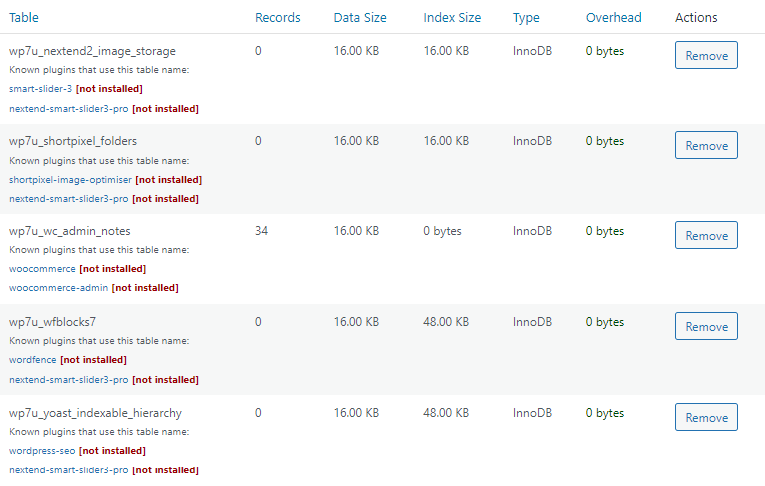
Use WP-Optimize or FlyingPress’ database cleaner to remove transient data, with settings to skip post revisions if you prefer backups.
7. Bloat
Disable block editor CSS, dashicons, emojis, and other non-critical scripts. Replace WP-Cron with a real cron job to reduce server load.
8. Settings & Perfmatters Integration
Use Perfmatters for advanced script management, bloat removal, Heartbeat control, and preload strategies like speculative loading.